


Detailed Steps to Set Up IMAP on Gmail Android
1. Open the Gmail app: on your Android device.
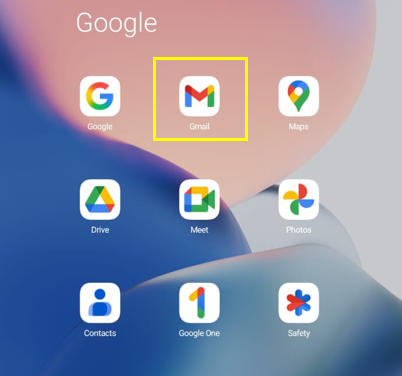
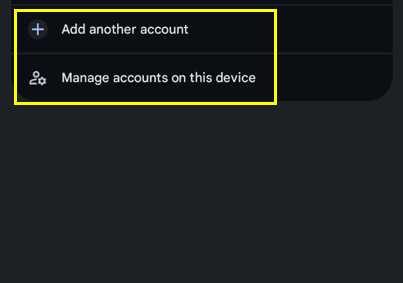
2. Tap the menu icon or your profile picture to access Settings.
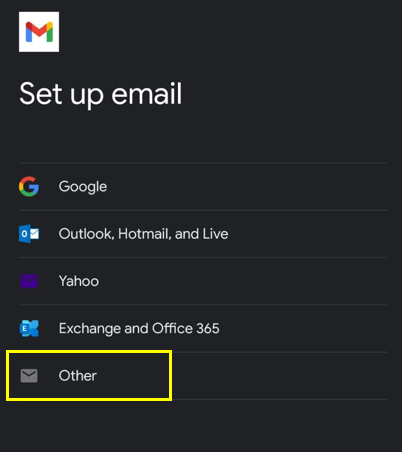
3. Tap Add account, then select Other for non-Google accounts.
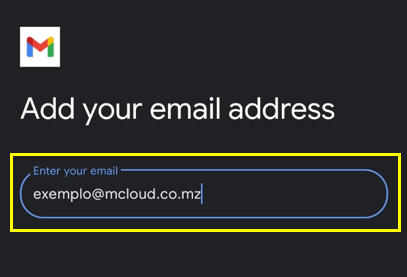
4. Enter your full email address (e.g., seunome@seudominio.xyz) and tap Manual setup.
5. Select the Personal (IMAP) option to set the account as IMAP.
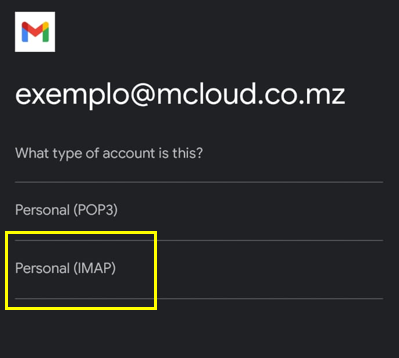
6. Enter your password and tap Next.
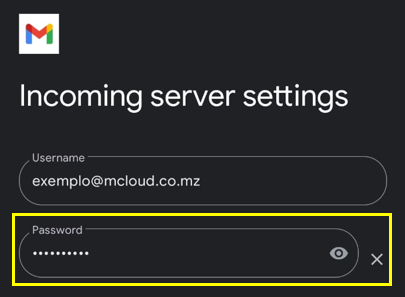
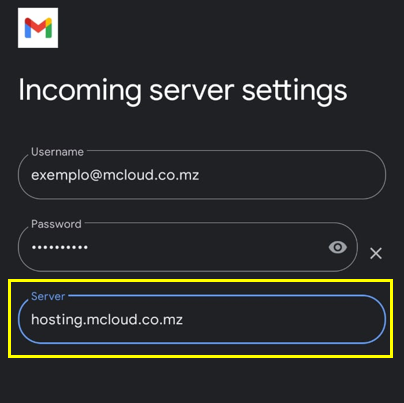
7. Enter the email server details:
Inbound email server: hosting.mcloud.co.mz
Outgoing mail server (SMTP): hosting.mcloud.co.mz
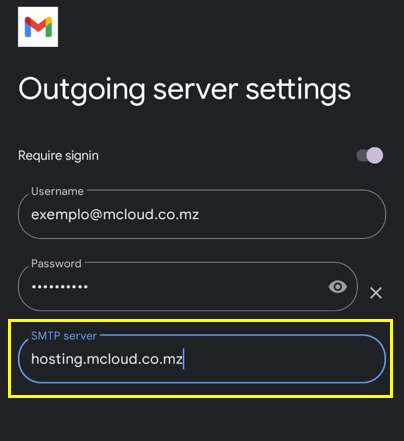
8. Enter your email address as Username.
9. Follow the instructions to set security permissions, display name, and other sync options.
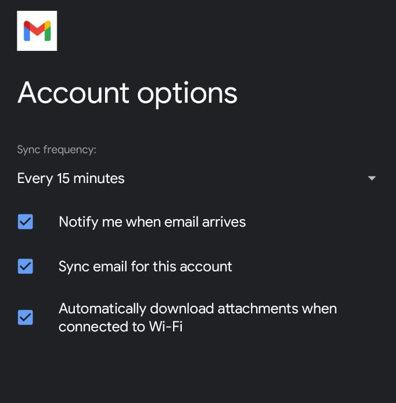
10. Tap Next to finish setting up your account.
Important information
- The IMAP configuration keeps a copy of your messages on the server and on your phone, which means you can access the same messages and folders from different devices.